AI background remover
Remove photo backgrounds
Drop in a photo and get a clean, transparent PNG. CutPico runs the AI model inside your browser, so your picture never leaves your device.
JPG, PNG or WebP · up to 20 MiB and 20 MP · output up to 2560 px
The first cut downloads about 19 MB of AI runtime and model; later photos reuse it.
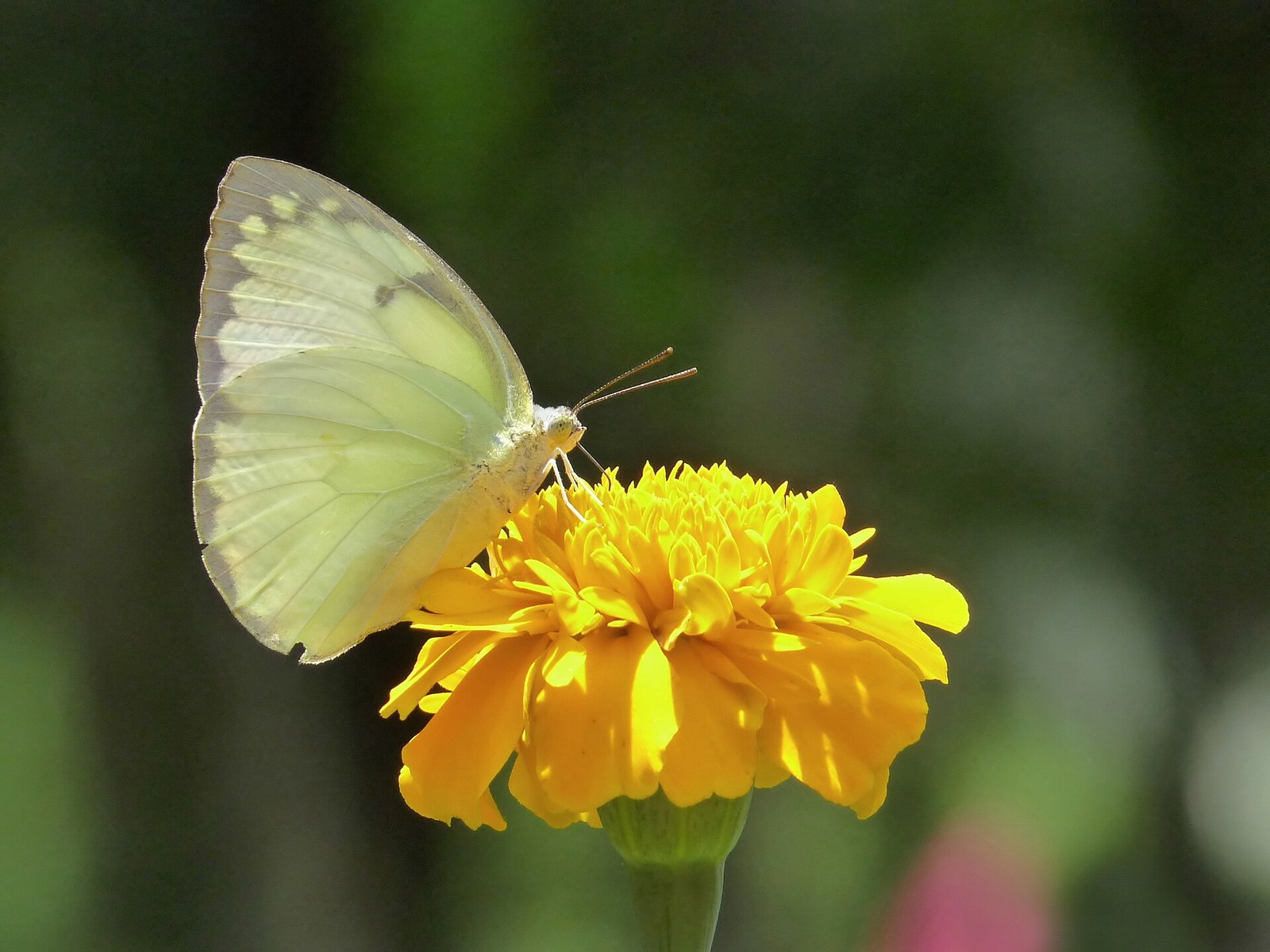
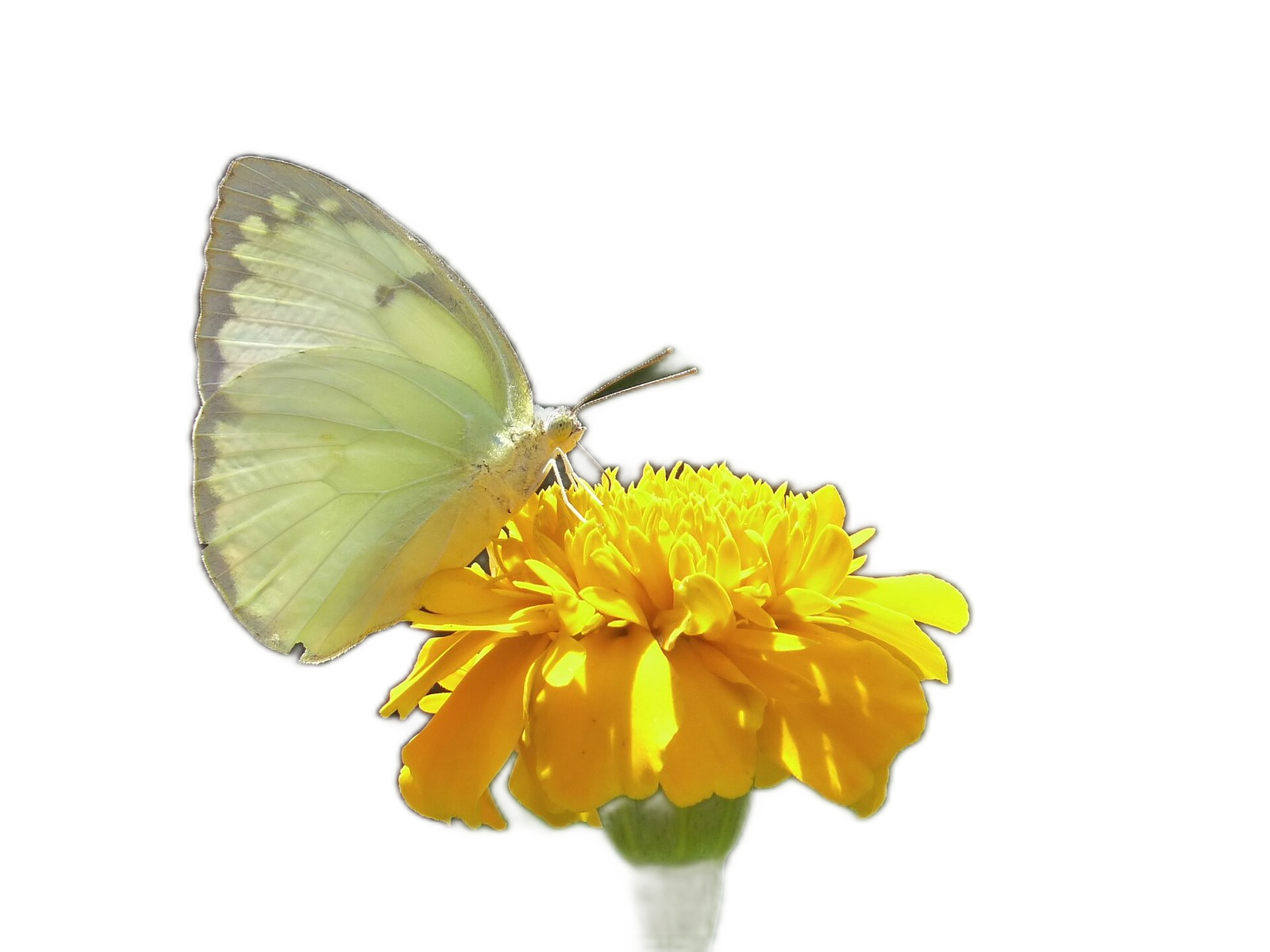
Sample photos are on their way.
Sample photo · transparent PNG made with CutPico
Cutout editor
Loading the AI model…
The first cut downloads the AI runtime and model (about 19 MB), so it takes longer than later cuts.
PNG keeps transparency. JPEG has no transparency, so transparent areas are filled with white unless you pick a background color. Exports keep the longest side at 2560 px or less.
How CutPico cuts a background
-
Add your photo
Drag it in, paste it, or pick a JPG, PNG or WebP file up to 20 MiB.
-
The model runs locally
The AI runtime and model download once (about 19 MB) and then run inside your browser. Nothing is uploaded to a server.
-
Download your cutout
Keep the transparent PNG, or set a background color and export PNG or JPEG. The longest side stays at 2560 px or your photo's own size.